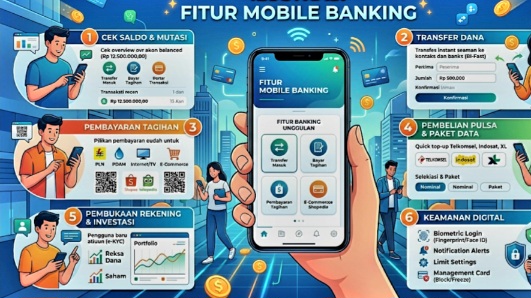
LIPOSONLINE.COM– Stop Queuing at the Bank! 9 digital banking features in 2026 that 80% of customers don’t use but save you time & money.
Still willing to stand in long teller lines or run back and forth to the ATM just to transfer money, check your statement, or pay your electricity bill? In 2026, that habit feels like typing a report on a typewriter when you already have a laptop.
The irony is, the mobile banking app in your pocket is now way more advanced.But the fact is, the average bank customer in Indonesia only uses 20% of the available features.
The other 80% of those powerful features? Most people don’t even use them.
Read Also: Private Banking: Everything You Need to Know
Those features were actually made to save you the 3 things that matter most: time, effort, and money.
This article is compiled by LIPOSONLINE.COM from various sources to break down the most “underrated” yet most powerful digital banking features.
Starting from standing instruction, virtual account, and auto debit, all the way to investment and insurance features that you can access right inside your bank app.
Here are 9 features you must activate right now:
1. Standing Instruction – The Secret to Automatic Disciplined Saving
Imagine having a personal assistant who, every payday, immediately divides your money into the categories you’ve set. That’s what Standing Instruction or SI does.
How it works: You give the bank an instruction to automatically transfer money to another account with a fixed amount and schedule.
Read Also : Next-Gen Fraud Prevention in Banking Explained
It can be to your own account, a family member’s account, or an investment account.
Real example: On the 5th of every month, Rp500,000 is automatically transferred from your salary account to your savings.
On the 25th, Rp1,000,000 goes automatically to your mutual fund. On the 1st, money is sent to your parents.
How to activate: Open Mobile Banking → Transfer Menu → Select Standing Instruction → Add New → Fill in destination account, amount, monthly/weekly frequency → Set the date → Confirm with PIN/biometrics. Done.
2. Virtual Account – The Solution for Business Owners and Freelancers
Ever sold something online and got a headache checking your statement one by one to see who has paid? Virtual Account is the answer.